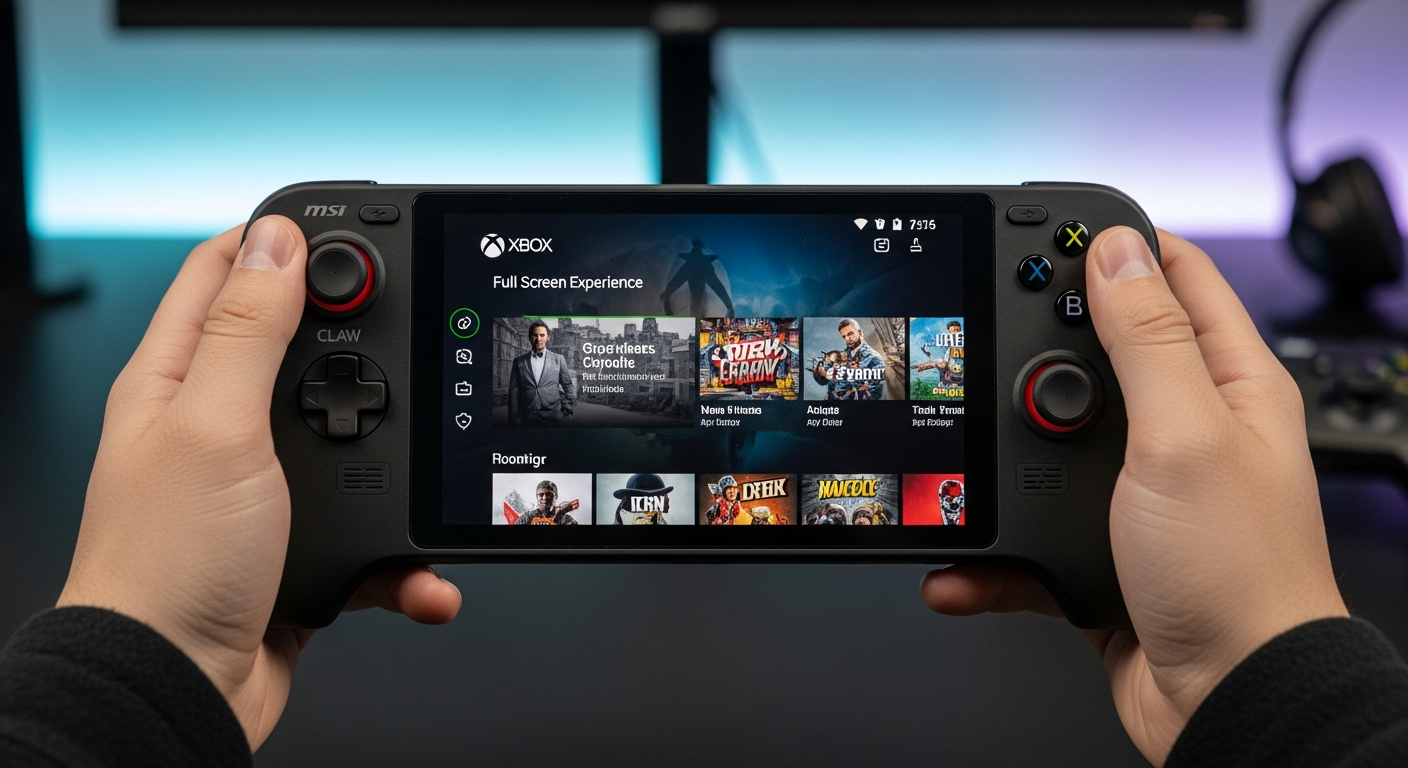
Xbox Full Screen Experience Expands to MSI Claw Handhelds
Microsoft is broadening the reach of its Xbox Full Screen Experience (FSE). This feature, designed to provide a console-like navigation experience on Windows PC gaming handhelds, is now available in preview for MSI Claw models, as announced by the company.
What is the Xbox Full Screen Experience?
The Xbox FSE aims to streamline the gaming experience on handheld devices. By implementing a console-like interface, Microsoft hopes to make navigating and launching games more intuitive for users of devices like the MSI Claw. This marks a strategic move to enhance the user experience within the handheld gaming market. The main objective is to add a console-like navigation experience to Windows PC gaming handhelds.
How to Access the Preview
To enable the Xbox FSE on supported devices, users need to navigate to Settings > Gaming > Full screen experience and select Xbox as their home app. Once activated, the FSE can be accessed through the Task View and Game Bar. Users can also configure their handheld to launch the full-screen experience automatically upon startup.
Current Availability and Future Plans
The FSE has already debuted on the Xbox Ally and Xbox Ally X. Microsoft is rolling out support for the Xbox FSE in preview to “MSI Claw models” today, as part of the latest Windows 11 Insider Preview Build. Microsoft has indicated that “additional OEMs” will be enabling their handhelds to use the Xbox FSE “in the coming months.” Lenovo’s Legion Go 2 is also slated to receive the feature next year.
While this expansion is promising, early adopters should be aware of potential issues. As noted by Sean Hollister, there were challenges with the FSE on the Xbox Ally and Xbox Ally X. Therefore, users interested in installing the Xbox FSE on their MSI Claw might consider waiting until any initial problems are resolved and the feature is available outside the Windows Insider program.
Source: The Verge
About the Author